How to Create a Visual Brief for a School Uniform Project
Bring design references and preferences together to explain the look a school wants to explore.
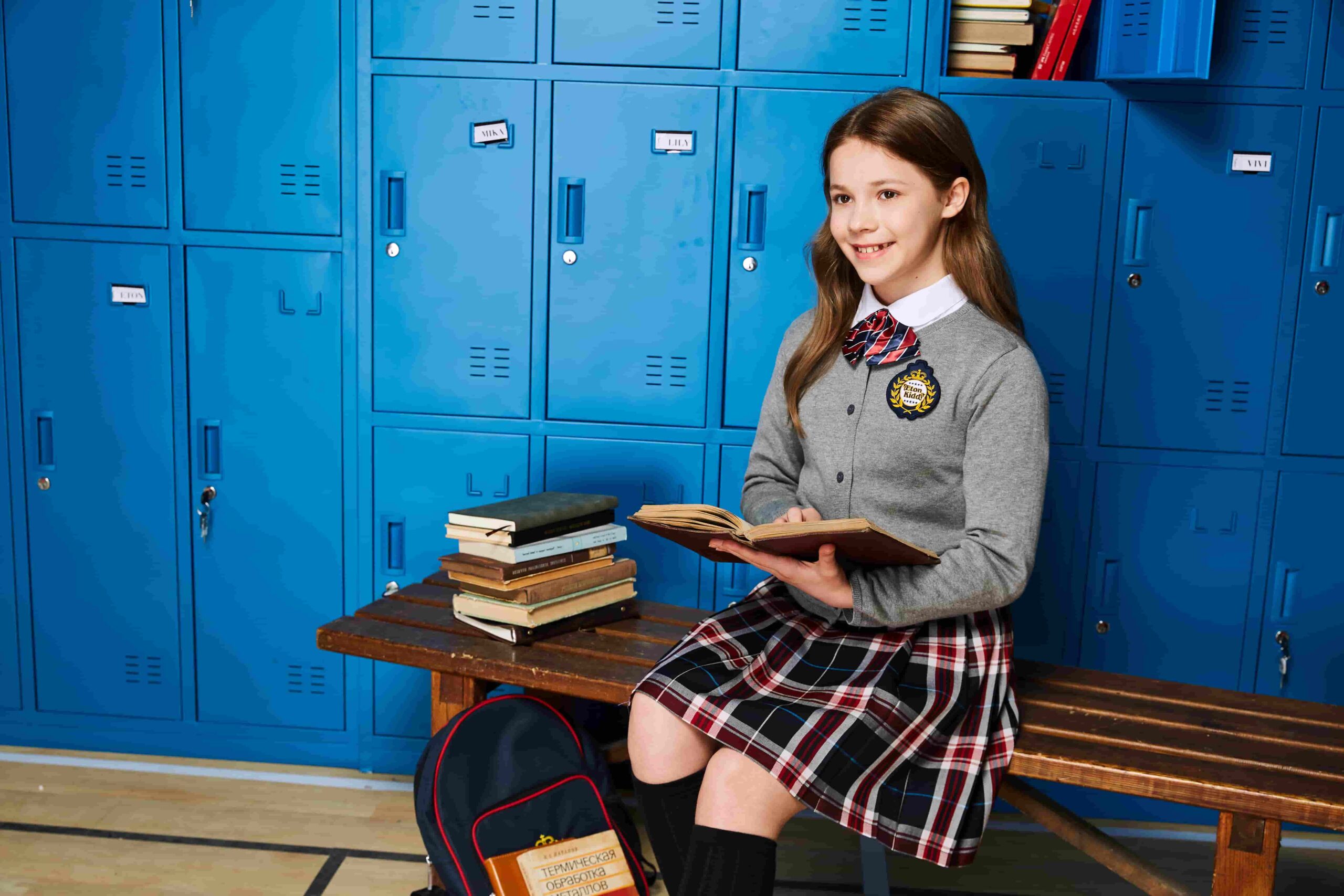
A school uniform visual brief is a curated collection of images, color references, written notes, and existing uniform examples assembled before design discussions begin. It helps communicate aesthetic preferences clearly without committing to unconfirmed technical specifications. A well-structured brief reduces miscommunication and gives manufacturers a realistic starting point.
What Is a School Uniform Visual Brief and Why Does It Matter
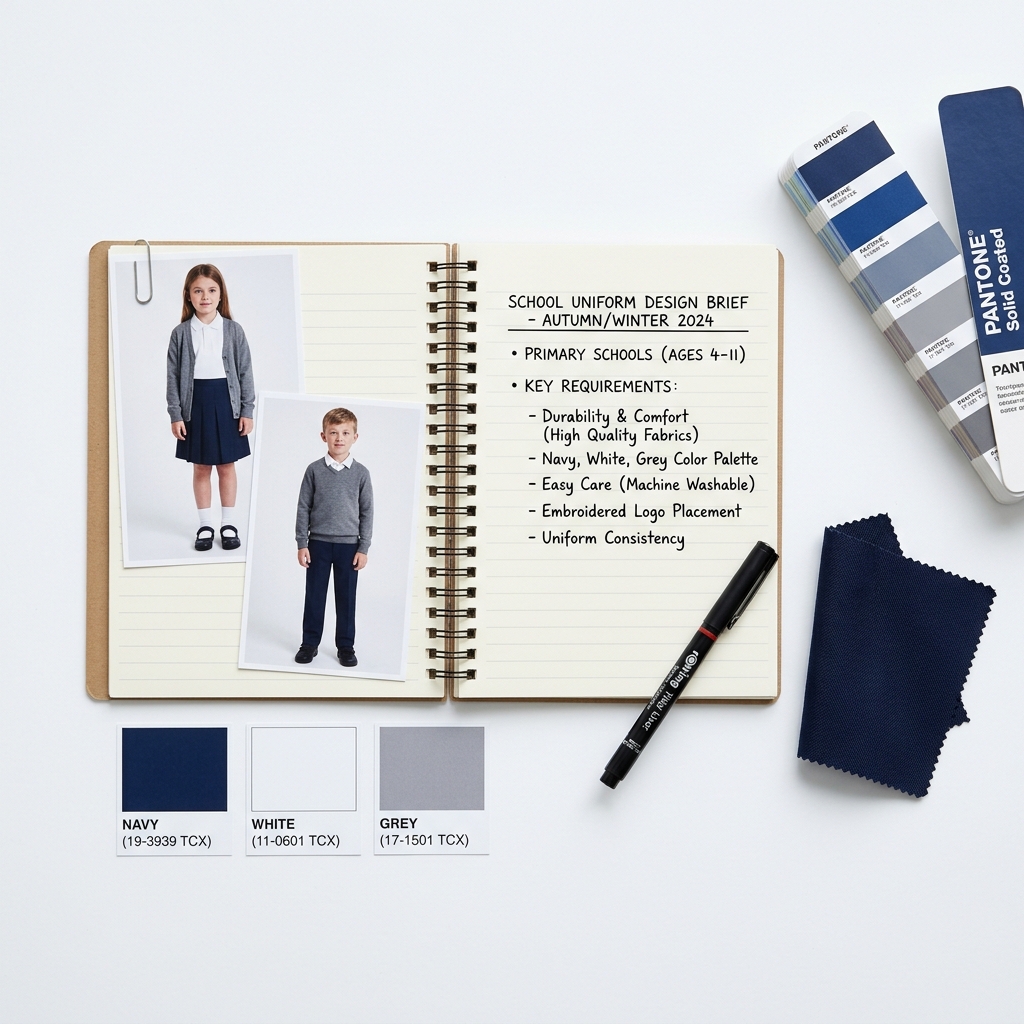
A school uniform design brief is not a technical specification sheet. It is a communication tool — a shared visual language between a school’s decision-makers and a uniform supplier.
Core purpose:
- Align internal stakeholders before external conversations begin
- Give suppliers enough context to ask the right questions
- Reduce revision cycles caused by vague verbal descriptions
What it is NOT:
- A binding design contract
- A guarantee that any specific look can be replicated
- A substitute for a formal production specification
Schools that prepare a visual brief before their first supplier meeting consistently report faster initial consultations and fewer misunderstandings over style direction. The brief sets expectations on both sides without overcommitting either party.
Who should prepare it:
- School principal or administrative lead
- Parent committee representative (optional)
- A designated point of contact for design feedback
A school uniform concept board — whether physical or digital — typically takes 2–4 hours to assemble using existing online resources, internal photos, and color swatches.
What Can Be Included in a School Uniform Design Brief
A strong school uniform design brief draws from multiple reference types. No single source is sufficient on its own.
Visual Reference Images
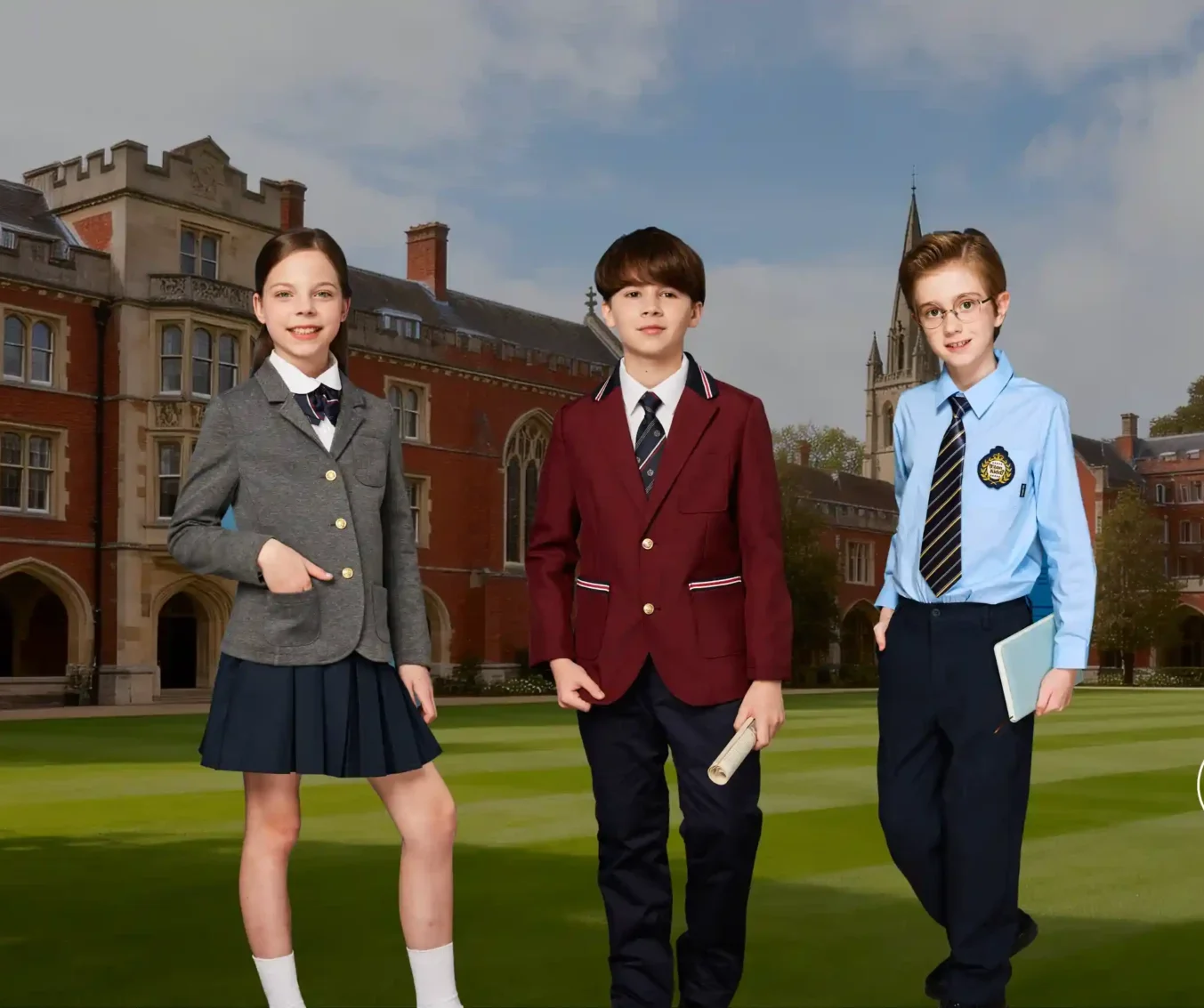
Collect images that represent the overall aesthetic direction — not necessarily exact replicas of what the school wants.
Recommended sources:
- School uniform catalogs from other institutions
- Editorial or brand photography showing garment silhouettes
- Pinterest boards, mood boards, or saved image folders
- Photographs of the school’s existing uniform (current state)
What to annotate on each image:
- What specifically appeals — collar style, color tone, fabric texture impression, hem length
- What does NOT appeal — equally important for narrowing direction
- Whether the image is a “must explore” or “just for reference”
Avoid presenting reference images as design templates. Label them clearly as inspiration references, not production targets.
Existing Uniform Examples
Including photos or physical samples of the school’s current uniforms provides critical baseline context.
| Reference Type | What It Communicates | How to Present |
|---|---|---|
| Current uniform photo | Existing style, fit, color baseline | Front and back shots in natural light |
| Worn condition sample | Fabric durability feedback | Note what has held up or worn poorly |
| Competitor school uniform | Style contrast or similarity | Annotate what to keep or avoid |
| Historical uniform archive | Brand heritage or tradition | Include only if relevant to direction |
Suppliers use current uniform references to understand what the school is moving away from — or choosing to preserve.
Written Descriptions and Style Notes
Images alone rarely capture the full picture. Written notes contextualize visual choices.
Effective written notes include:
- Tone descriptors: formal, smart-casual, athletic, traditional, contemporary
- Occasion context: daily wear, sports day, formal assembly, outdoor activity
- Fit preference: relaxed, structured, gender-neutral options preferred
- Any known constraints: budget range, rollout timeline, number of garment types needed
Keep written notes concise. Bullet points outperform paragraphs in a working brief.
How to Show Preferred Colors and Overall Style
Color communication is one of the most common sources of miscommunication in uniform design projects.
Color Reference Methods
| Method | Accuracy Level | Practical Notes |
|---|---|---|
| Pantone color code | High | Most reliable for production discussion |
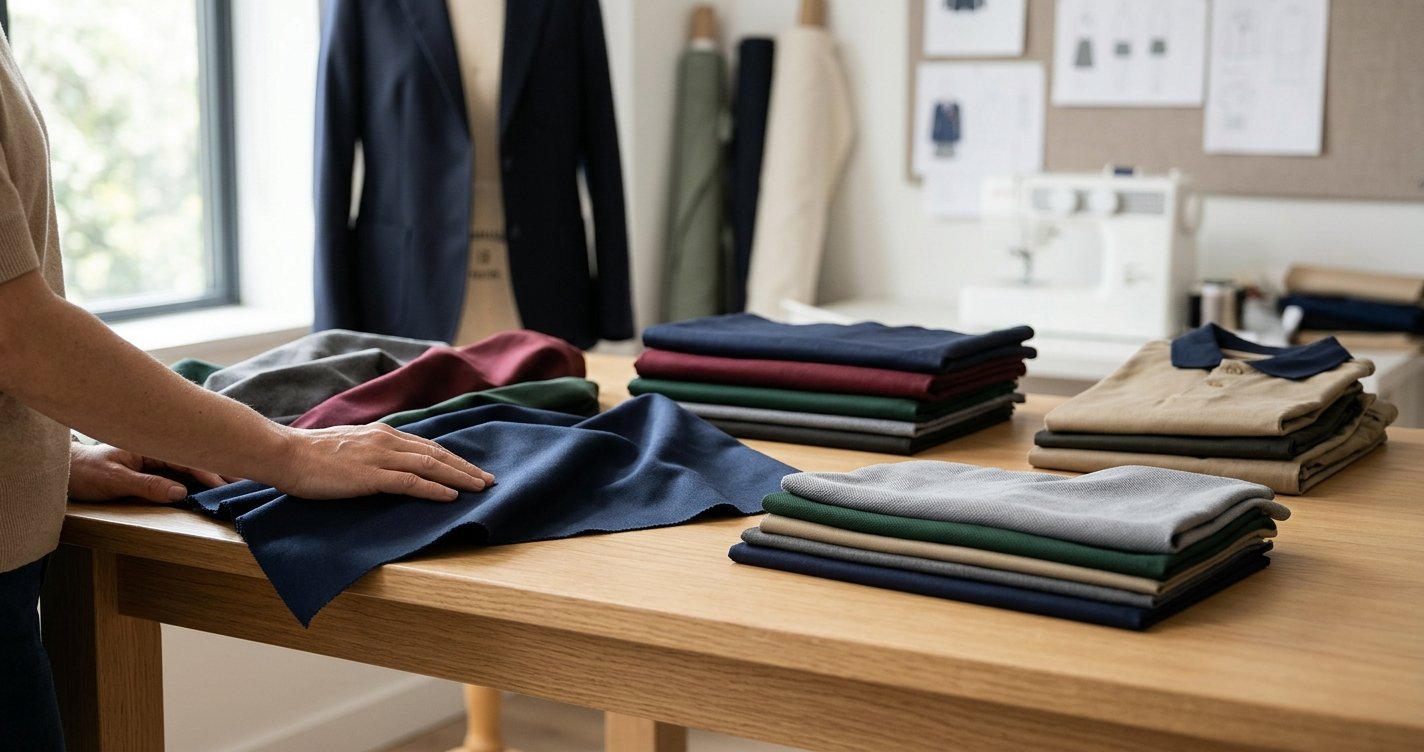
| Fabric swatch from existing uniform | High | Physical match; bring to first meeting |
| Printed color sample | Medium | Varies by printer and paper stock |
| Screen screenshot or photo | Low | Color shifts significantly across devices |
| Verbal description (“navy blue”) | Very Low | Highly subjective; avoid as sole reference |
Best practice: Combine at least two methods. A Pantone reference paired with a physical fabric swatch gives suppliers the clearest starting point.
Style Direction Indicators
Beyond color, overall style can be communicated through a simple positioning framework:
- Formality axis: Casual ←→ Formal
- Heritage axis: Traditional ←→ Contemporary
- Fit axis: Relaxed ←→ Structured
- Gender approach: Differentiated ←→ Inclusive/Unisex
Plotting the school’s preferences on these axes — even informally in writing — helps suppliers understand the design territory without requiring finished artwork.
How to Separate Essential Preferences from Optional Ideas
Not all preferences carry equal weight. A well-organized school uniform visual brief distinguishes between non-negotiable requirements and exploratory ideas.
Priority Tiering Framework
Tier 1 — Must Include:
- School colors (confirmed by administration)
- Required garment types (shirt, trouser, skirt, blazer, etc.)
- Any existing logo or crest to be incorporated
- Known budget or timeline constraints
Tier 2 — Strong Preference:
- Collar style direction
- Overall silhouette (slim, relaxed, boxy)
- Fabric weight impression (lightweight, structured, performance)
Tier 3 — Open to Suggestion:
- Trim color or accent details
- Pocket placement
- Lining options
- Additional garment variations
Labeling each item by tier prevents suppliers from treating an exploratory idea as a fixed requirement — and prevents schools from feeling locked into early-stage preferences.
Practical tip: Use a simple table or color-coded sticky note system when assembling the brief. Green = confirmed, Yellow = preferred, Blue = open to discussion.
Real-World Application Scenarios
Scenario 1: School Refreshing an Existing Uniform
A primary school wants to modernize its uniform without abandoning its navy and white color scheme. The brief includes:
- Photos of the current uniform (front, back, worn condition)
- Three reference images showing cleaner, more structured silhouettes
- A written note: “Keep navy and white. Explore a more fitted blazer. Current shirt collar feels dated.”
- Pantone reference for the existing navy
This brief communicates change direction without specifying construction methods.
Scenario 2: New School Establishing a First Uniform
A newly founded international school has no existing uniform. The brief includes:
- A mood board of 6–8 images representing the school’s values (academic, inclusive, modern)
- Two competitor school uniforms annotated with what to adopt or avoid
- A style axis chart positioning the school toward contemporary and gender-inclusive
- Confirmed school colors from the brand identity guidelines
The brief gives the supplier a clear starting territory without premature design decisions.
Scenario 3: School Comparing Multiple Suppliers
A school is evaluating three uniform manufacturers simultaneously. A shared visual brief ensures:
- All suppliers respond to the same reference point
- Proposals are easier to compare on style alignment
- No single supplier shapes the brief in their favor
A standardized school uniform design reference document is essential for fair multi-supplier evaluation.
FAQ: School Uniform Visual Brief
What can be included in a school uniform design brief?
Images, color references, existing uniform photos, style notes, and a priority tier list.
What visual references help explain a uniform idea?
Catalog images, mood boards, editorial photography, and annotated competitor uniforms.
How can a school show preferred colors clearly?
Use Pantone codes or physical fabric swatches alongside printed samples.
Should a design brief include existing uniform examples?
Yes — current uniform photos establish the baseline and communicate what to change or preserve.
How do buyers separate essential preferences from optional ideas?
Use a three-tier system: confirmed requirements, strong preferences, and open suggestions.
How long does a visual brief take to prepare?
Typically 2–4 hours using online image sources and internal photos.
Does a visual brief commit the school to a specific design?
No. It communicates direction only. Final specifications are confirmed separately during production.
Can a visual brief be shared with multiple suppliers?
Yes — a standardized brief supports fair, comparable proposals across vendors.
Conclusion
A school uniform visual brief is a practical tool for opening productive design conversations. It organizes references, communicates color and style preferences, and distinguishes confirmed requirements from exploratory ideas — without overcommitting to unverified technical details.
Key takeaways:
- Combine image references with written annotations for maximum clarity
- Use Pantone codes or physical swatches for color accuracy
- Separate must-haves from preferences using a simple tier system
- Label all images as inspiration, not production templates
- Include current uniform photos to establish the baseline
Schools preparing for a uniform project with Etonkidd are encouraged to assemble a visual brief before the first consultation. The clearer the brief, the more focused and productive the initial discussion — and the faster a suitable direction can be identified.
Tags: school uniform visual brief · how to create a uniform design brief · school uniform design reference · Uniform Design · Design Brief · Custom Uniforms